Most small business owners already do marketing automation by hand. They copy the same welcome message to every new customer, remember to ask for a review when they have time, and chase quotes that went quiet last week. It works until the business gets busy, and then the follow-ups are the first thing to slip.
Marketing automation for small business fixes exactly that gap. You set up a few rules once, and the right message goes out at the right moment without you. In this guide I show you what to automate first, eight workflows you can copy with exact timings, what the tools really cost in 2026 and a 90-day plan to set it all up.
Short answer
Marketing automation for small business means using software to send the right message at the right moment, based on what a customer does. Start with three workflows: a welcome series for new subscribers, an instant follow-up for new leads and a review request after every sale. A free plan from Sender, Brevo or HubSpot is enough to begin, and most small businesses can run a full setup for $0 to about $85 a month.
What is marketing automation for small business?
Marketing automation is software that sends messages or completes tasks on its own when something happens. A person joins your email list, books an appointment, leaves a cart, buys a product or goes quiet for three months, and the system responds the way you told it to. For a small business, the point is not to replace the personal touch. It is to make sure the personal touch happens every time, not only when you remember.
Every automation, however simple or complex, is built from the same three parts:
| Part | What it means | Example |
|---|---|---|
| Trigger | The event that starts the workflow | Someone fills in your contact form |
| Condition or wait | A rule or a delay that decides what happens next | Wait 2 days. Did they reply? |
| Action | What the system does | Send a follow-up email and create a task for you |
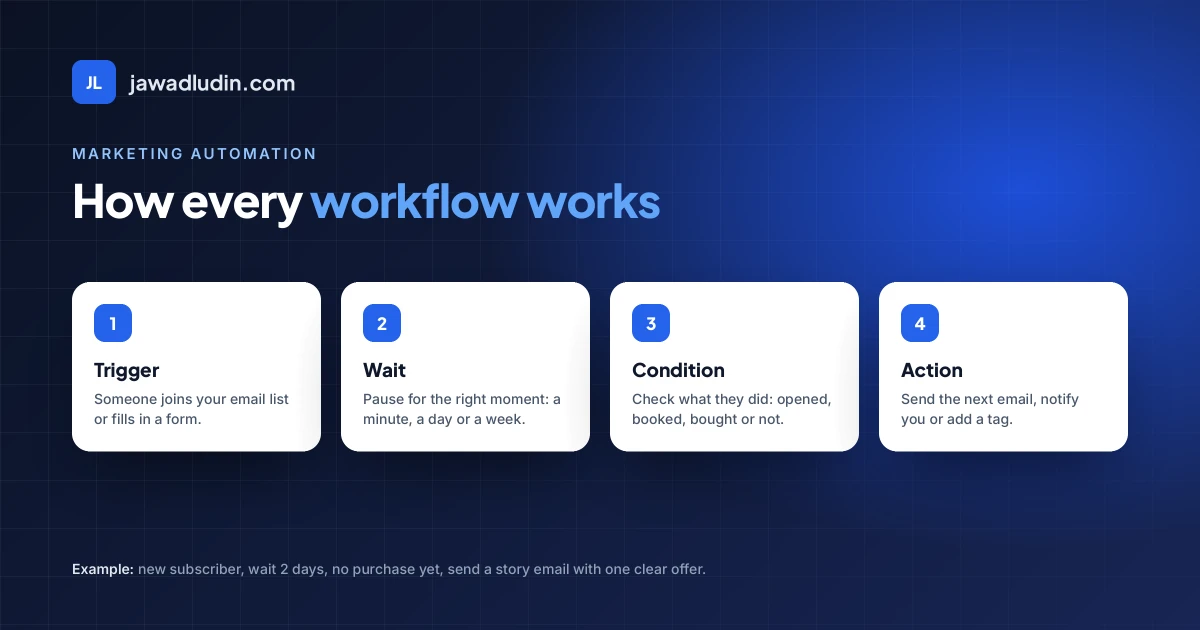
Marketing automation is not the same as email marketing, although email is where most small businesses start. A monthly newsletter is a campaign you send by hand. A welcome series that starts the moment someone subscribes is automation. If email itself is new to you, read what is email marketing first, then come back here.
Why marketing automation matters for small businesses
The strongest argument for marketing automation is the return on a small amount of setup time. In the Omnisend 2026 Ecommerce Marketing Report, automated emails were just 2% of all email sends but drove 30% of email revenue, earning 16 times more per send than scheduled campaigns. The same report found that abandoned cart and welcome messages alone drove 76% of all orders that came from automation.
Those numbers come from online stores, but the reason behind them applies to any business: an automated message reaches people at the moment they are most interested. For a service business, that means replying within minutes instead of hours. The other benefits are just as practical:
- No lost leads. Every enquiry gets an answer, even at night or when you are on a job.
- Consistent follow-up. Review requests and quote reminders go out every time, not just in quiet weeks.
- Time back. A few hours of setup replaces the same small tasks repeated every week.
- Better data. You can see which messages bring bookings and sales, and improve them.
What should a small business automate first?
Not every automation is worth building in your first month. I sort them by how much they bring in and how much effort they take to set up. Start at the top of this table and work down:
| Automation | Impact | Setup effort | Best for |
|---|---|---|---|
| Welcome series for new subscribers | High | Low | Every business with an email list |
| Instant follow-up for new leads | High | Low | Service and B2B businesses |
| Abandoned cart reminder | High | Low (built into most store tools) | Online stores |
| Review request after a sale | High | Low | Local and online businesses |
| Appointment reminder | Medium | Low | Clinics, salons, consultants |
| Post-purchase thank you and tips | Medium | Medium | Shops and online stores |
| Re-engagement for inactive contacts | Medium | Medium | Lists older than six months |
| Birthday or anniversary message | Low to medium | Medium | Restaurants, retail, memberships |
Three workflows done well will do more for you than twelve half-finished ones. Once those three run without problems for a month, add the next one.
The first three automations by business type
Your first three depend on how customers find and buy from you. Use this as a starting point:
| Business type | First three automations |
|---|---|
| Local service (plumber, clinic, salon) | Instant lead reply, appointment reminder, review request |
| Restaurant, cafe or shop | Welcome offer, review request, birthday message |
| Online store | Welcome series, abandoned cart, post-purchase follow-up |
| B2B or professional services | Instant lead reply, quote follow-up, monthly newsletter sign-up welcome |
| Coach, creator or course seller | Lead magnet delivery, welcome series, re-engagement |
Not sure which marketing automations fit your business? Tell me how customers find you, and I will suggest your first three workflows.
8 marketing automation workflows you can copy
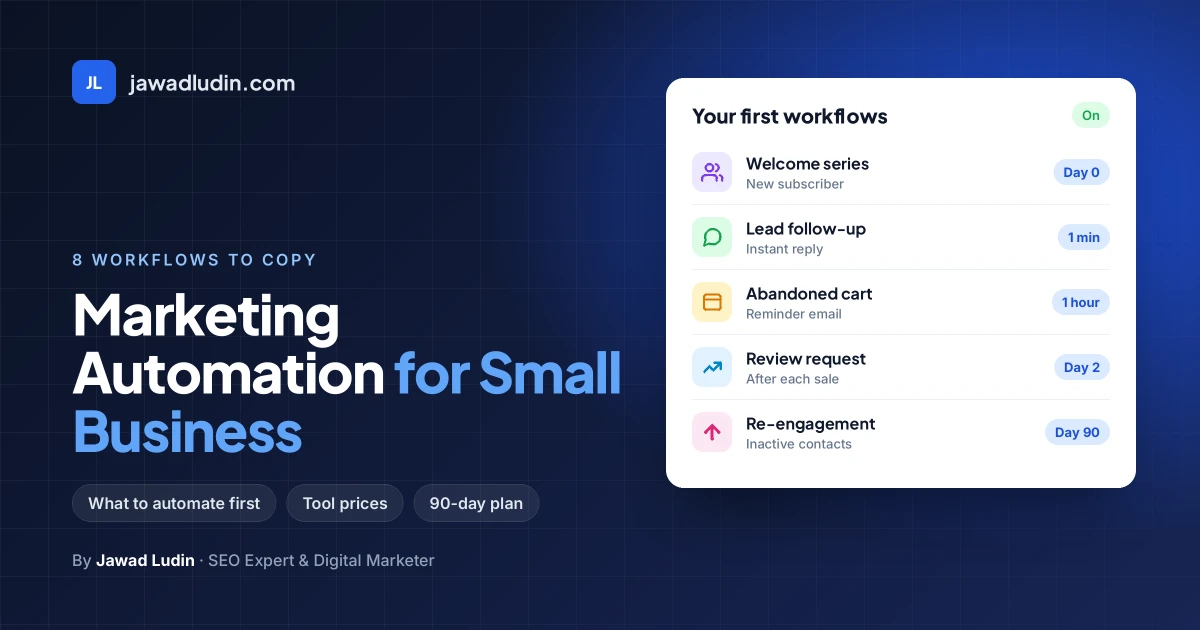
These are the workflows I set up most often for small businesses. The timings are starting points that work well for most audiences. Test them against your own results after a month.
1. Welcome series
Trigger: someone joins your email list.
- Immediately: deliver what you promised (a guide, a discount) and say what they will receive and how often.
- Day 2: share your most useful content or the story of why you started the business.
- Day 4: show proof: a review, a before and after, a short case study.
- Day 7: make one clear offer or invite them to book.
2. Instant lead follow-up
Trigger: a contact form, quote request or booking enquiry.
- Within a minute: send a reply that confirms you received it, says when you will call and links to your prices or FAQ.
- At the same time: notify yourself by email or phone and create a task in your CRM.
- Day 2, if there is no booking: send a short, personal check-in with one question.
3. Abandoned cart reminder
Trigger: a known visitor adds a product to the cart and does not check out.
- After 1 hour: a simple reminder with the product image and a link back to the cart.
- After 24 hours: answer the common doubts: delivery time, returns, reviews.
- After 48 to 72 hours: a final reminder, with a small incentive only if your margins allow it.
4. Review request
Trigger: a job is completed or an order is delivered.
- 1 to 3 days later: thank them and send a direct link to your Google review page.
- 5 days later, if no review: one polite reminder. Never offer rewards for reviews.
5. Appointment reminder
Trigger: a booking is made. Send a confirmation straight away and a reminder 24 hours before, with the address, what to bring and a link to reschedule. This alone cuts no-shows for many service businesses.
6. Post-purchase follow-up
Trigger: a purchase. Send a thank you with tips on getting the most from the product, then a related product or refill reminder 14 to 30 days later, depending on how fast it is used.
7. Re-engagement
Trigger: no opens or clicks for 90 days. Send two short emails a week apart asking if they still want to hear from you. Remove those who do not respond. A smaller, active list protects your deliverability.
8. Birthday or anniversary
Trigger: a date field in the contact record. Ask for the birthday at sign-up, then send a personal message and a small gift on the day. It costs little and customers remember it.
If you are building your first email list at the same time, this guide to email marketing for beginners covers the sign-up form, domain setup and your first campaign.
Marketing automation tools for small business (and what they cost)
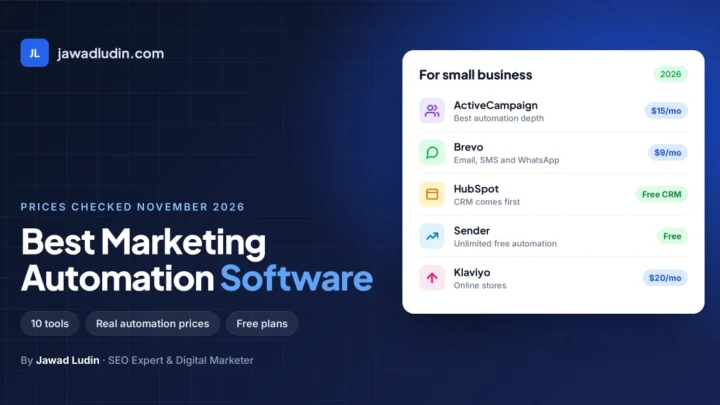
To start with marketing automation, you do not need an expensive all-in-one platform. Most small businesses need three types of tool: one for email and automation, one for contacts and leads, and sometimes a connector that moves data between apps. These are the marketing automation tools I recommend most often, with limits and prices checked in November 2026:
| Tool | Best for | Free plan | Paid plans from |
|---|---|---|---|
| Sender | Email automation on a $0 budget | 2,500 subscribers, 15,000 emails a month, automation included | Paid plans for larger lists |
| Brevo | Large contact lists, email plus SMS | Up to 300 emails a day, limited automation | Starter from $9/month |
| MailerLite | The easiest editor and simple workflows | 250 subscribers, up to 3 automations | Comfort from $12/month |
| ActiveCampaign | Advanced automation and lead scoring | No free plan (14-day trial) | Starter $15/month, Plus $49/month (billed annually, 1,000 contacts) |
| Klaviyo | Online stores | 250 active profiles, 500 emails a month | Email plan from $20/month |
| HubSpot | A free CRM linked to your marketing | Free CRM, 1 automated email action | Starter $20 per seat a month |
| Zapier | Connecting apps that do not talk to each other | 100 tasks a month, two-step Zaps | Professional from $19.99/month |
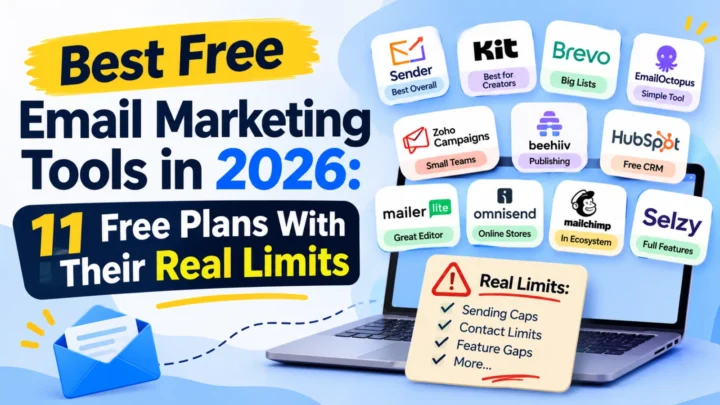
Prices rise with your number of contacts, so compare tools at the list size you expect in a year, not today. For full reviews and the plan each tool needs for real workflows, see the best marketing automation software. For a deeper comparison of email platforms, see the best email marketing tools, and if you want to stay at $0 for as long as possible, this comparison of the best free email marketing tools lists every free plan and its limits.
Three ready-made stacks
| Budget | Stack | Approximate monthly cost |
|---|---|---|
| Starter | Sender free plan, HubSpot free CRM, Zapier free plan | $0 |
| Growing | MailerLite Comfort, Buffer Essentials for 3 social channels, Zapier free plan | About $27 |
| Established | ActiveCampaign Plus, Zapier Professional, Buffer Essentials, HubSpot free CRM | About $85 |
Social media scheduling belongs in the stack too, because a planned week of posts is automation of a different kind. The best social media marketing tools include several schedulers with free plans.
How to set up marketing automation in 90 days
Trying to build all your marketing automation in one weekend is the fastest way to give up. Spread the work over three months:
| When | What to set up | Done when |
|---|---|---|
| Weeks 1 and 2 | Choose a tool, connect and authenticate your domain, add a sign-up form, build the welcome series | New subscribers receive all four welcome emails |
| Weeks 3 and 4 | Instant lead follow-up or abandoned cart, plus notifications to yourself | Every enquiry gets a reply within minutes |
| Month 2 | Review requests and appointment reminders or post-purchase follow-up | Reviews and repeat bookings start to rise |
| Month 3 | Re-engagement, tags or segments, and a simple monthly report | You know which workflow brings the most revenue |
Write the 90 days into your wider digital marketing plan so automation gets regular time in your week, the same as content and ads.
Where AI fits into marketing automation
Most marketing automation tools now include AI features. Some save real time, others are better switched off for now:
| Useful today | Use with care |
|---|---|
| First drafts of emails and subject lines | Sending AI-written emails without reading them |
| Suggestions for segments and send times | Fully automatic “agents” that change your offers or prices |
| Summaries of campaign results | AI chat replies that make promises your team cannot keep |
My rule is simple: let AI draft and suggest, but keep a person in charge of anything a customer will read. The customer does not care which tool wrote the message, only whether it is helpful and true.
The rules: consent, unsubscribes and sending limits
Marketing automation sends messages at scale, so mistakes scale too. The rules vary by country, and nothing here is legal advice, but these principles apply almost everywhere:
- Get clear permission. In the UK, the Information Commissioner’s Office says you must not send marketing emails or texts to individuals without specific consent, with a limited “soft opt-in” for your own existing customers. EU rules are similarly strict.
- Make unsubscribing easy in every automated email, not just in campaigns.
- Authenticate your domain. Google’s email sender guidelines require SPF or DKIM for all senders, and SPF, DKIM, DMARC and one-click unsubscribe for anyone sending 5,000 or more messages a day to Gmail accounts.
- Treat SMS and WhatsApp the same way. Only message people who opted in to that channel.
How to measure whether your marketing automation works
Open rates are a weak guide since Apple Mail Privacy Protection started opening emails automatically for many users. Judge each workflow by what it is meant to achieve:
| Workflow | Main number to watch |
|---|---|
| Welcome series | Share of new subscribers who buy or book within 30 days |
| Lead follow-up | Time to first reply and share of leads that book |
| Abandoned cart | Recovered orders and revenue per email sent |
| Review request | New reviews per month |
| Re-engagement | Share of inactive contacts who click again |
Check these monthly, change one thing at a time and give each change a few weeks before you judge it. Free tools such as Google Analytics 4 cover most of this, and you can see how they fit with the other best digital marketing tools for small businesses.
Common marketing automation mistakes
- Automating before you have a clear offer or a working website.
- Building ten workflows at once and testing none of them.
- Sending the same message to every contact, whatever they bought or asked about.
- Forgetting to stop sales emails after someone buys.
- Writing like a robot. Automated does not have to mean impersonal.
- Never reviewing old workflows, so prices, links and offers go out of date.
Marketing automation also works best inside a clear plan. If you have not decided who you serve and which channels matter, start with a digital marketing strategy for small business, then automate the parts that repeat. When budget is tight, these cheap digital marketing tools keep the whole setup affordable.
Conclusion
Marketing automation for small business is not about complex software. Start with a welcome series, an instant lead reply and a review request, use a free or low-cost tool, and add one workflow a month. In 90 days you will have a system that follows up with every customer, every time.
Frequently Asked Questions
Is marketing automation worth it for a small business?
Yes, if you start small. A welcome series, an instant lead reply and a review request take a few hours to set up and run every day after that. In Omnisend’s 2026 report, automated emails were 2% of sends but drove 30% of email revenue.
How much does marketing automation cost for a small business?
You can start for $0 with the free plans of Sender, Brevo or HubSpot. A growing business usually pays about $25 to $50 a month, and a more advanced setup with ActiveCampaign and Zapier costs about $85 a month at 1,000 contacts.
What should a small business automate first?
Start with a welcome series for new subscribers, an instant reply to new leads and a review request after each sale. Online stores should add an abandoned cart reminder in the first month.
What is the difference between email marketing and marketing automation?
Email marketing includes campaigns you send by hand, such as a monthly newsletter. Marketing automation sends messages on its own when a customer does something, such as subscribing, booking or leaving a cart.
Do I need a CRM for marketing automation?
Not at the start. Most email platforms store contacts and tags well enough for your first workflows. Add a free CRM such as HubSpot when you need to track leads, quotes and sales conversations in one place.