Most people who want to start email marketing get stuck before the first email. Which tool should I use? Who will I email? What do I even write? Weeks pass, the email list stays empty, and the idea goes back on the someday pile.
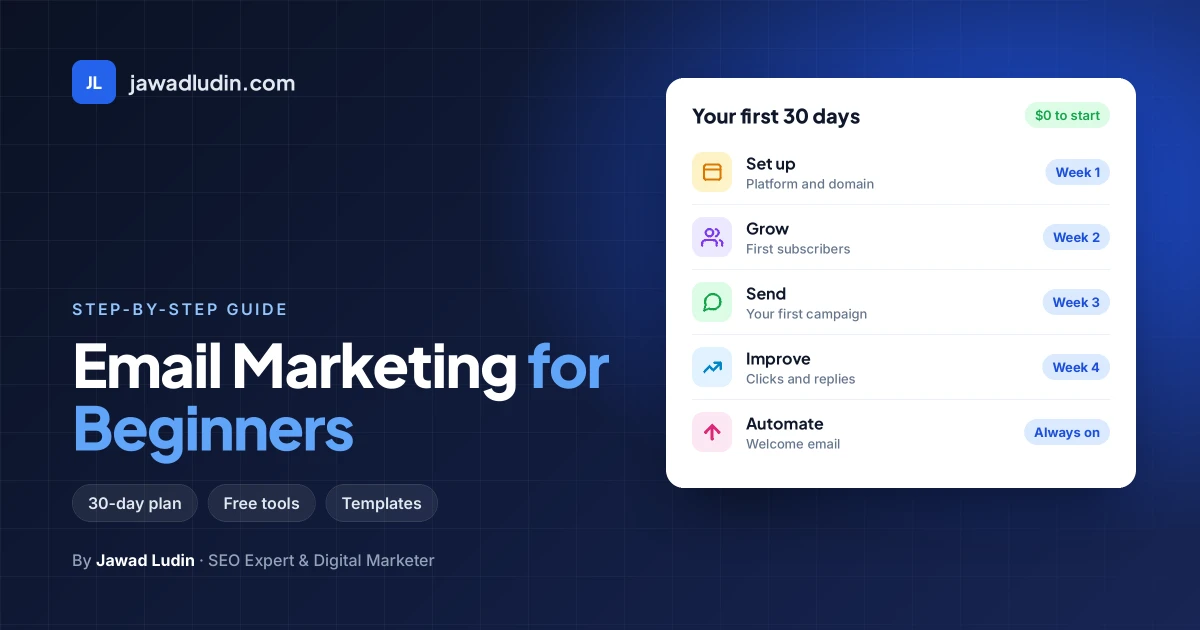
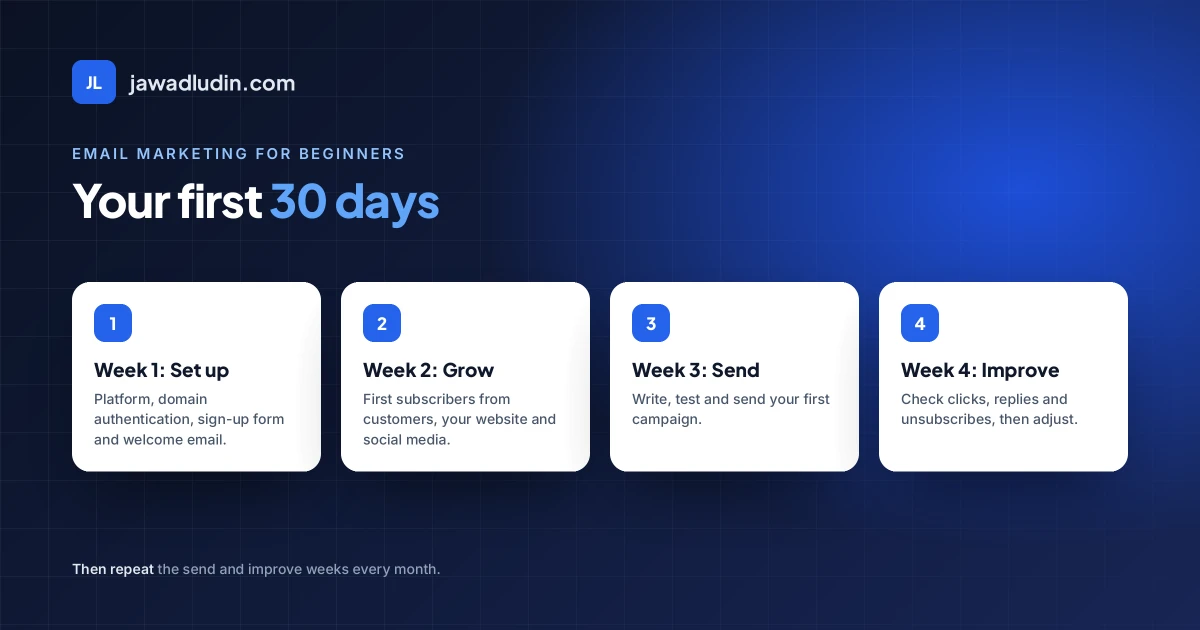
This guide to email marketing for beginners removes those blockers with a simple 30-day plan: one week to set up, one week to collect your first subscribers, one week to write and send your first campaign, and one week to measure and improve. You will finish with a working list, a welcome email, a first newsletter and a routine you can keep.
Short answer
To start email marketing as a beginner, choose a free email marketing platform, connect your own domain and authenticate it, add a sign-up form with a clear reason to join, and set up a welcome email. Then send one useful email to your new subscribers, check clicks and unsubscribes, and repeat on a regular schedule. Only email people who opted in, and make unsubscribing easy.
Email marketing in plain terms
Email marketing means sending useful messages to people who have asked to hear from you, with the aim of building trust and bringing them back to buy, book or read. Unlike social media, the list belongs to you: no algorithm decides who sees your message.
If you want the full background first, including the main types of email and how the channel compares with social media, read what is email marketing. This guide is the hands-on version: what to do, in what order, in your first month.
What you need before you start
You can start email marketing with almost no budget, but you do need these five things in place:
- An email address on your own domain, such as hello@yourbusiness.com. Free addresses like Gmail are not suitable for bulk sending.
- A reason for people to subscribe. A discount, a checklist, early access or simply useful tips once a month.
- A privacy policy on your website that explains how you use subscriber data.
- A postal address to include in your emails. US law (CAN-SPAM) requires a valid physical postal address in commercial email.
- An email marketing platform, which you will choose in week 1.
Email marketing for beginners: key terms in plain English
Email platforms use a lot of jargon. These are the terms you will meet in your first month:
| Term | What it means |
|---|---|
| ESP (email service provider) | The platform that stores your subscribers and sends your emails, such as Sender or MailerLite |
| Email list | Everyone who has agreed to receive your emails |
| Campaign | A one-off email sent to your list or part of it, such as a newsletter or an offer |
| Automation | An email that sends itself when someone does something, such as subscribing |
| Segment | A group within your list, for example customers versus subscribers who have not bought yet |
| Double opt-in | Subscribers confirm their address by clicking a link before they join the list |
| Open rate | The share of delivered emails that were opened |
| Click rate | The share of delivered emails in which someone clicked a link |
| Bounce | An email that could not be delivered; a hard bounce means the address does not work |
| SPF, DKIM and DMARC | Records on your domain that prove your emails really come from you |
Week 1: Set up your email marketing platform
Choose a beginner-friendly platform
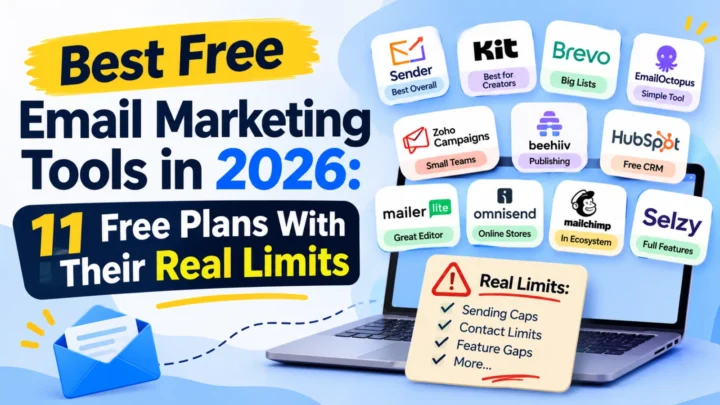
For a beginner, ease of use and a generous free plan matter more than advanced features. For all 11 free plans side by side, see the best free email marketing tools. These three are good starting points (free plan limits checked on each vendor’s pricing page in October 2026):
| Platform | Free plan | Best for beginners who |
|---|---|---|
| Sender | Up to 2,500 subscribers and 15,000 emails a month | Want the most room before paying |
| MailerLite | 250 subscribers and 2,500 emails a month | Want the simplest editor and landing pages |
| Brevo | Up to 300 emails a day | Have a larger contact list but email it rarely |
Free plans change often, and each tool has different strengths once you grow. Before you commit, compare the best email marketing tools on price at your expected list size. If you are building your whole setup on a small budget, these cheap digital marketing tools pair well with a free email plan.
Authenticate your domain
This is the step most beginners skip, and it decides whether your emails reach the inbox. Your platform will give you DNS records to add to your domain: SPF, DKIM and usually DMARC. According to Google’s email sender guidelines, everyone sending to Gmail accounts must set up SPF or DKIM and keep spam rates reported in Postmaster Tools below 0.3%. Bulk senders of 5,000 or more messages a day to Gmail need SPF, DKIM and DMARC, plus one-click unsubscribe. Setting all three up from day one is the safe choice.
Create a sign-up form and a welcome email
Build one simple form: email address and, optionally, a first name. Write one sentence that says what people will get and how often, for example: “One practical tip for small business owners every month. No spam.” Then set up an automatic welcome email that sends as soon as someone joins, delivers anything you promised, and tells them what to expect next.
Turn on double opt-in if your platform offers it. Subscribers confirm by clicking a link, which keeps fake and mistyped addresses off your email list.
Week 2: Get your first subscribers
Your first 100 subscribers usually come from people who already know you. Start there:
- Add the sign-up form to your website footer, contact page and best-performing blog posts.
- Invite existing customers who have agreed to hear from you, with a short personal message.
- Add a link to your form in your social media bio and pin a post about it.
- Mention the newsletter in your email signature and on receipts or invoices.
- Offer a lead magnet: a checklist, template, price guide or short video that solves one problem.
- Collect sign-ups in person at your shop, events or appointments with a tablet or QR code.
Your social channels can do a lot of this work if you schedule regular reminders; the right social media marketing tools make that easy.
Never buy or scrape an email list. People who did not ask for your emails will ignore them or mark them as spam, which damages your sender reputation for everyone else on your list.
Week 3: Write and send your first campaign
Do not wait for a big list. Send your first email when you have your first few dozen subscribers; it builds the habit and shows you how the platform works.
The anatomy of a good beginner email
- Subject line: clear beats clever. Say what is inside in under about 50 characters.
- Preview text: the short line shown after the subject. Use it to add a reason to open.
- One main message: one tip, one story or one offer per email.
- One call to action: a single button or link that tells readers what to do next.
- A human sign-off: your name, not “The Team”.
- Footer: your postal address and a visible unsubscribe link.
Subject line formulas that work for beginners
| Formula | Example |
|---|---|
| How to [result] | How to keep your garden green in a dry summer |
| [Number] [things] for [person] | 3 quick tax tips for freelancers |
| Question your reader asks | Is it worth fixing an old boiler? |
| News + benefit | New: book online in 30 seconds |
| Personal note | What I learned from 100 kitchen repairs |
A first email you can adapt
Subject: Welcome, and one tip to start with
Preview: Plus what to expect from these emails
Hi [first name],
Thanks for joining. Once a month I will send you one practical tip about [your topic], and nothing you did not sign up for.
Here is the first one: [one useful tip in two or three sentences].
If you have a question about [your topic], just reply to this email. I read every reply.
[Your name]
[Business name]
Check before you send
- Send a test to yourself and read it on your phone.
- Click every link.
- Check the subject line, preview text and sender name.
- Make sure the unsubscribe link and postal address appear in the footer.
- Send at a time your audience is likely to read, then leave the timing alone for a few campaigns so you can compare results.
What to write about when you run out of ideas
Most beginners worry they will have nothing to say after the third email. Keep a running list of ideas from your everyday work:
- Questions customers asked you this month, with your answers.
- A short before-and-after story from a recent job or order.
- A mistake you see often, and how to avoid it.
- A behind-the-scenes look at how you make, prepare or deliver your product or service.
- Your latest blog post or video, summarised in three lines with a link.
- A seasonal reminder or checklist your customers will find useful.
Reply to subscriber questions in your next email, with their permission. It shows that you read replies and gives you a steady supply of topics people actually care about.
Want help setting up your first email campaign? I can set up your platform, authentication and welcome email so you can focus on writing.
Week 4: Measure your results and improve
After your first campaign, look at a few numbers in your platform’s report. To give you a reference point, Mailchimp’s email marketing benchmarks show these averages for campaigns sent to at least 1,000 subscribers (data last updated in December 2023):
| Industry | Average open rate | Average click rate | Unsubscribe rate |
|---|---|---|---|
| All users | 35.63% | 2.62% | 0.22% |
| Business and finance | 31.35% | 2.78% | 0.15% |
| Ecommerce | 29.81% | 1.74% | 0.19% |
| Education and training | 35.64% | 3.02% | 0.18% |
| Non-profits | 40.04% | 3.27% | 0.18% |
Treat open rates with caution. Mailchimp itself notes that open rate accuracy can be affected by Apple’s privacy changes, because some mail apps load emails automatically and count as an open even when nobody reads them. Clicks, replies and sales are more reliable signals.
What to change after your first email
| If you see | Try this |
|---|---|
| Low opens | Clearer subject lines, a recognisable sender name, and checking that your domain is authenticated |
| Opens but few clicks | One call to action, placed higher, with a specific button label |
| Unsubscribes after each email | Check that the content matches what you promised at sign-up, and how often you send |
| Bounces | Remove hard-bounced addresses and keep double opt-in switched on |
Write down your numbers after every campaign in a simple spreadsheet. After three or four emails you will see what your audience responds to, which is worth more than any industry average. Then add your email goals to your wider digital marketing plan so email gets regular time in your week.
Simple ways to segment your email list
Segmentation sounds advanced, but beginners can start with two or three groups. Sending the right message to the right group usually improves clicks and reduces unsubscribes. Easy first segments:
- Customers and non-customers. Thank customers and suggest the next purchase; help others decide whether to buy.
- Interest. Ask one question on your sign-up form, such as which service or product interests them.
- Engagement. People who clicked in the last three months versus those who have gone quiet.
Keep it simple until your email list is a few hundred people. A single well-written email to everyone beats five rushed versions.
Three simple automations every beginner should set up
Automations are emails that send themselves when someone takes an action. Start with these three, and when they run smoothly, this guide to marketing automation for small business shows the next workflows to add:
- Welcome series. One to three emails over the first week that introduce you, deliver your best content and make a gentle first offer.
- Enquiry or abandoned cart follow-up. A reminder for people who started a booking or purchase but did not finish.
- Re-engagement. A short “do you still want these emails?” message for subscribers who have not opened or clicked in several months, followed by removing those who do not respond.
Check which automations your platform includes on the free plan, because some keep them for paid plans.
How often should beginners send emails?
Consistency matters more than frequency. For most small businesses, one email a month is a good start, and every two weeks is plenty once you have enough to say. Tell subscribers the schedule on your sign-up form, then keep to it. Sending more often than you promised is one of the fastest ways to collect unsubscribes and spam complaints.
Email works best as part of a wider plan with search and social media, not on its own. If you are deciding how much time to give each channel, start with a simple digital marketing strategy for small business.
The rules beginners must follow
Email laws differ by country, and nothing here is legal advice, but these principles apply almost everywhere:
- Get permission. Only email people who signed up or clearly agreed. In the UK, the Information Commissioner’s Office says you must not send marketing emails to individuals without specific consent, with a limited “soft opt-in” exception for your own previous customers. EU rules are similarly strict.
- Be honest. Use a real sender name and subject lines that match the content.
- Include your postal address in commercial emails, as required by US law.
- Make unsubscribing easy and act on it quickly. The FTC’s CAN-SPAM compliance guide requires opt-out requests to be honoured within 10 business days.
- Keep records of when and how each person subscribed.
Beginner email marketing mistakes to avoid
- Waiting for a “big enough” list before sending the first email.
- Sending from a free Gmail or Outlook address instead of your own domain.
- Skipping SPF, DKIM and DMARC setup.
- Writing long emails with five links and no clear next step.
- Emailing people who never subscribed, including contacts from a bought list.
- Judging success by open rate alone.
- Sending only promotions. Mix useful content with offers so people want to keep opening.
Conclusion
Email marketing for beginners is mostly about starting and keeping a steady rhythm. In 30 days you can choose a free platform, authenticate your domain, collect your first subscribers, send a welcome email and a first campaign, and learn from the results. Keep emails useful, send on a schedule you can maintain, and let your list grow month by month.
Frequently Asked Questions
How do I start email marketing as a beginner?
Choose a free email marketing platform, connect and authenticate your domain, add a sign-up form with a clear reason to join, and set up a welcome email. Then send one useful email a month and improve it based on clicks and replies.
What is the best email marketing platform for beginners?
MailerLite is one of the easiest to learn, Sender has a large free plan of 2,500 subscribers, and Brevo suits large lists you email rarely. Pick the one that fits your list size and budget.
Can I do email marketing for free?
Yes. Several platforms have free plans, such as Sender for up to 2,500 subscribers and MailerLite for 250. You will still need your own domain for a professional sender address.
How many subscribers do I need to start email marketing?
You can start with your first few dozen subscribers. Sending early builds the habit and teaches you what your audience responds to while the list is still small.
What is a good open rate for email marketing?
Mailchimp’s benchmarks show an average open rate of about 35.6% across all users, but privacy features in some email apps inflate open rates. Clicks, replies and sales are more reliable measures.